Prompt Tracking Software: A Practical Evaluation Checklist
Choose prompt tracking software with clear engine coverage, saved answers, useful campaign groups and reliable history. Use this checklist in your next trial.
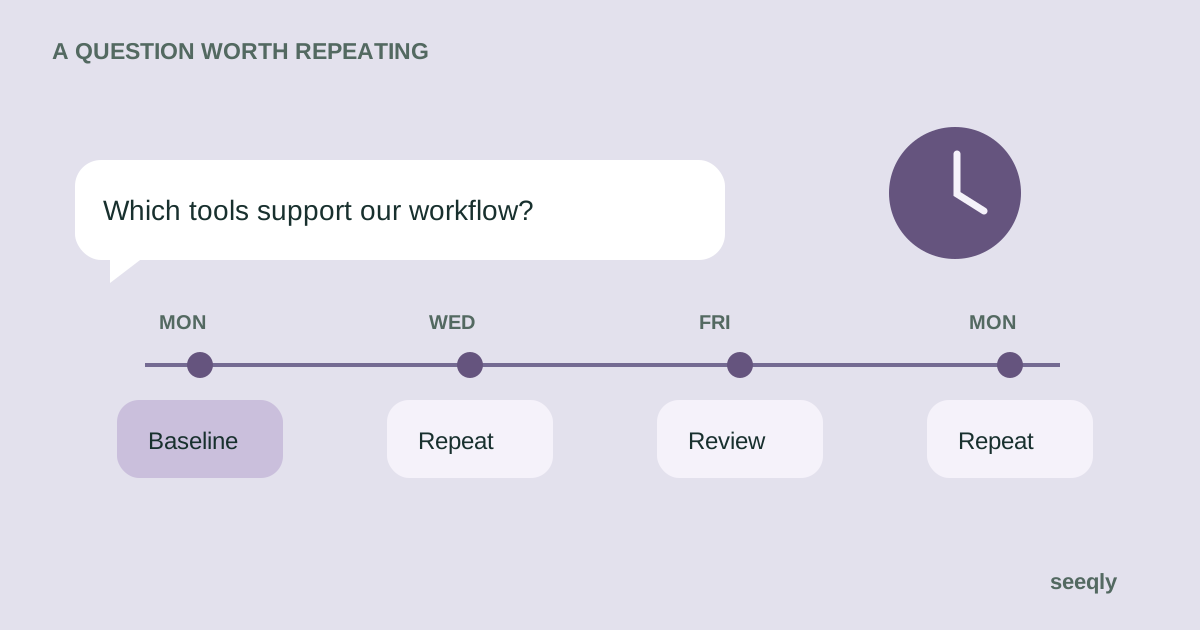
Prompt tracking software repeatedly runs a saved set of questions and records the answers. For a marketing team, the point is to understand how AI responses describe a brand, which alternatives appear and which pages are linked as sources.
This guide is about tracking buyer questions in AI search. It is not about testing prompts inside an application you are building, where prompt versioning, model evaluation and deployment monitoring may be the main requirements.
If you are choosing a wider platform, start with the AI visibility software buying guide. Use the checklist below to evaluate the prompt-tracking part of that purchase.
Choose the questions before the software
Start with a buyer task you can explain in one sentence. For example: “A small finance team is comparing accounting tools that support multiple currencies.” Then write questions that reflect the criteria affecting that choice.
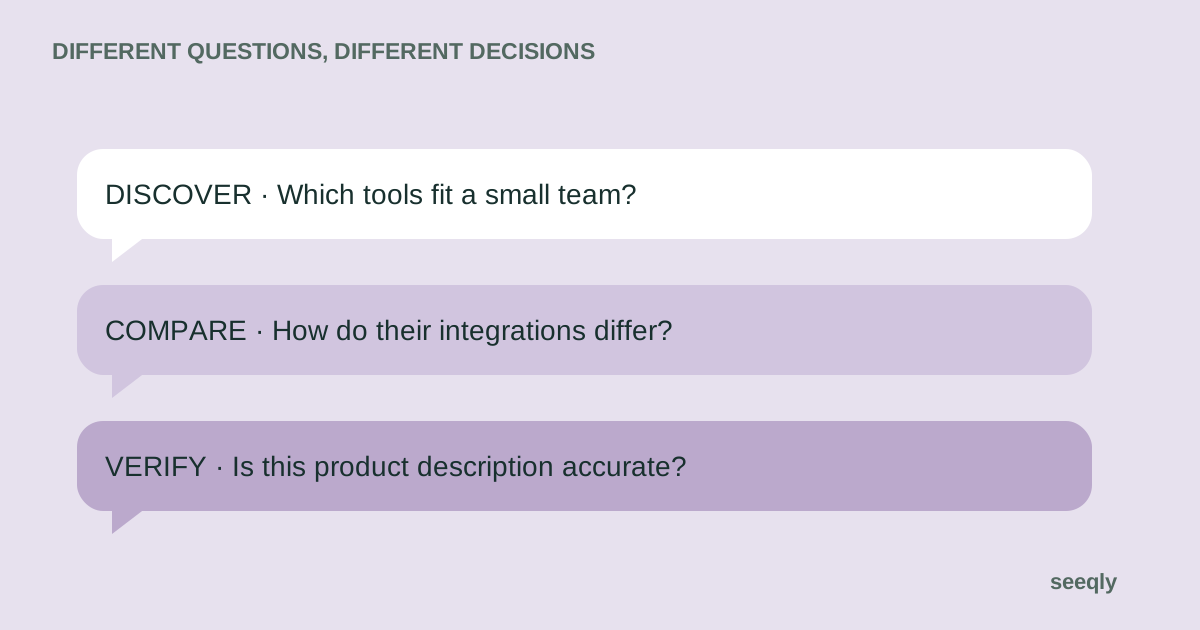
Include discovery, comparison and verification prompts, but keep them in separate groups. A question naming your brand tests whether it can be described. An unbranded question tests whether it enters the conversation at all.
Use generated prompts as suggestions. Review their wording against anonymised sales questions, support requests or search data. A plausible question is not evidence that a large number of buyers have asked it.
Check what a tracked prompt includes
A saved question is only one part of the observation. The engine, mode, language, available location settings and date can all matter when comparing answers.
Scroll horizontally to read the full table.
| Requirement | What to ask in the trial | Why it matters |
|---|---|---|
| Custom questions | Can we add and edit our own wording? | Your buyers may have unusual constraints |
| Grouping | Can discovery and brand checks be reported separately? | A blended rate can hide a useful finding |
| Settings | Which engines and modes are included in this plan? | The same engine name does not mean the same context |
| History | What happens when a question or setting changes? | Historical comparisons need a consistent scope |
| Completion | Can we identify failed or missing runs? | A failed run is not a missing brand mention |
| Evidence | Can we inspect the answer and source links? | A summary label needs supporting context |
Ask the vendor to demonstrate each important requirement with your own question. A product tour using a prepared example may not reveal how the workflow handles your category.
Organise prompts around decisions
Use a campaign or group for a buying task that could lead to a clear follow-up. “Implementation questions” may help a documentation team find missing explanations. “Competitor comparisons” may help a product marketer verify claims about integrations or reporting.
Keep a stable baseline set and record when questions are added or retired. If you double the number of prompts halfway through a month, an increase in total mentions is not a like-for-like improvement.
For a worked setup, read how to organise campaigns by buyer intent.
Inspect difficult answers, not just clear wins
During the trial, look for a passing mention, an inaccurate description and an answer with no citations. These cases reveal how much context a reviewer can inspect.
A tool may label sentiment automatically. Check whether the original answer supports the label and what happens when the wording is ambiguous. A negative comparison is different from an incorrect fact, and they should not lead to the same content task.
If a report includes position, find out what it means. The first name in an unordered answer is not necessarily the assistant's preferred product.
Make usage and cost comparable
Work out the scope you need: prompts, engines, repeated runs, brands and reviewers. Ask how each vendor counts usage and whether additional checks consume an allowance.
As an illustrative workload, 15 prompts across four engines creates 60 prompt-engine checks for one complete pass. Repeating that pass daily changes the requirement substantially. A vendor might charge by prompts, responses, credits or another unit, so confirm the definition before comparing headline prices.
Include retention and export needs. If you need to demonstrate a six-month trend to clients, check whether the relevant plan preserves enough history and whether you can keep permitted exports if you leave.
Use the results to create a work item
Choose one finding and follow it through. If an answer says a product lacks a feature, check the current documentation. If the documentation is unclear, identify the page and the edit needed. If the answer is accurate, the finding may be a product-fit issue rather than a writing problem.
Record the evidence, owner and review date. After the change, repeat the same questions under comparable settings. Describe the result as an observation unless you have stronger evidence of causation.
Evaluate Seeqly against the same checklist
Seeqly uses campaigns and prompts to organise AI visibility checks. Inspect the prompt tracking feature guide, review current plans, and test the available workflow with your own questions.
For teams considering several products, the comparison directory gives vendor context and evaluation questions. This article is published by Seeqly; it does not claim that one platform is the right choice for every team.
The purchase should leave you with a process people can use: relevant questions, inspectable answers and clear follow-up work. If a trial only gives you another number to report, revisit the questions before expanding the subscription.